A bird feeder camera subscription is the question most buyers only ask after the box is open. The feeder is on the pole, the app is installed, and a screen offers a trial of a paid plan. Do you need it? Usually not to watch birds. Often yes for one specific feature, and that feature is not the same from one brand to the next.
This guide compares the plans that Birdfy, Kiwibit and Bird Buddy publish on their own websites, checked on November 11, 2026. It separates what stays free for good from what sits behind a paywall, and it points to the free tools that fill the gaps.
The short answer: the camera works without a plan
All three brands let you use the feeder without paying anything after the purchase. Live view, motion alerts and automatic clips or photos are free everywhere. The differences start with three features: automatic bird identification, how long your clips stay in the cloud, and who else can watch.
- Birdfy is the exception on bird ID. According to the Birdfy Help Center, the Free level includes unlimited bird species recognition on videos from Birdfy devices, 30 days of cloud storage for clips (Birdfy calls them Moments) and 5 GB of saved collection space.
- Kiwibit keeps image quality free. Kiwibit's own blog says the free plan includes 4K live view and recording, motion alerts, sharing with family and a rolling 1-day cloud history. Automatic AI bird recognition on your feeder footage requires a Premium plan.
- Bird Buddy says in its help center that its feeders work fully without a membership. Photos and videos (postcards), personal live view and guest access for up to 10 people are free. Recognition is manual on the free plan: you pick the postcards you want analyzed. Automatic recognition of every visit requires Premium.
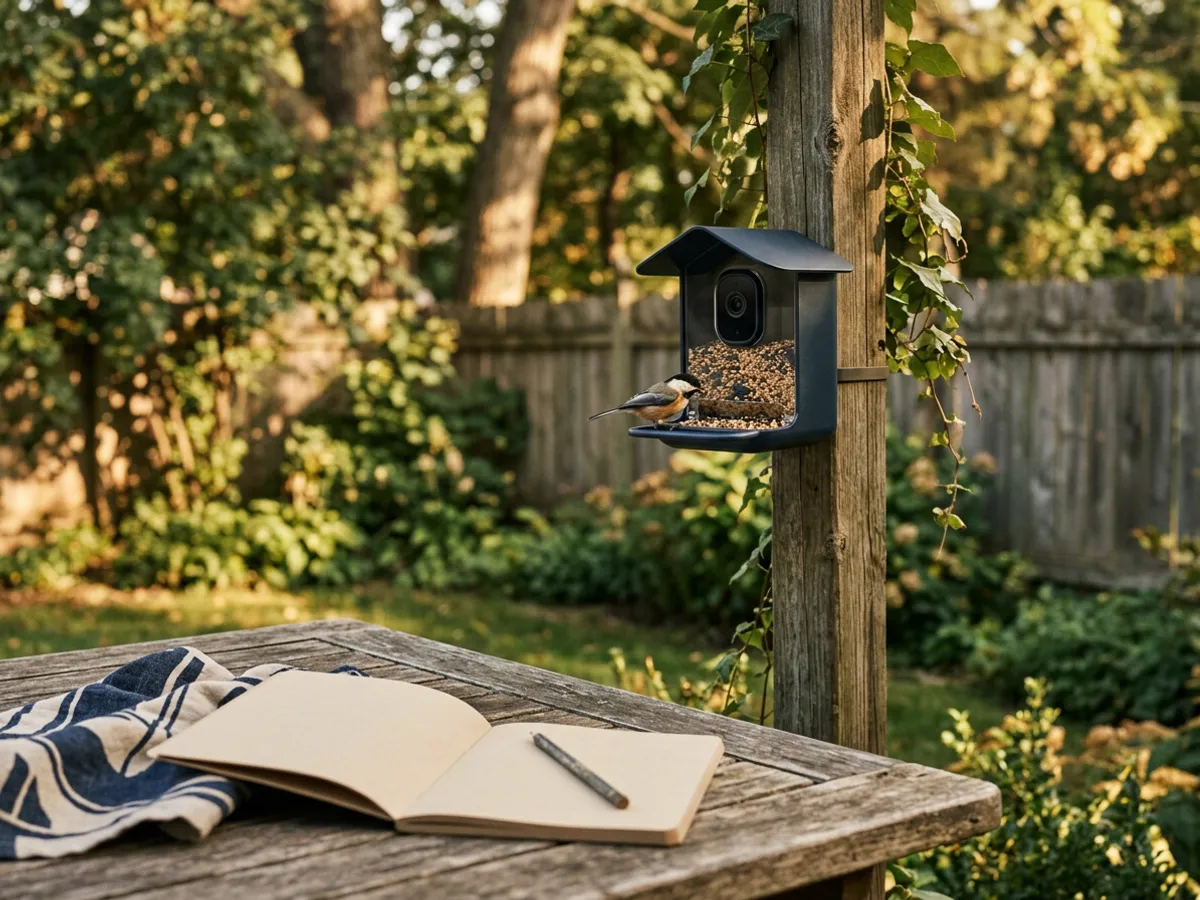
Birdfy, Kiwibit and Bird Buddy plans side by side
The table sums up each brand's published plans. Subscription prices appear only when the brand lists them on an official pricing page, and they are the brand's published prices on the check date. They can change at any time, especially around holiday sales, so confirm the amount in the app before you subscribe. The table does not show any feeder price.
| Birdfy | Kiwibit | Bird Buddy | |
|---|---|---|---|
| Free bird ID | Unlimited, automatic | Not on feeder footage (Premium) | Manual, postcard by postcard |
| Free cloud history | 30 days, clips up to 20 s | 1 day, clips up to 20 s, plus microSD | Postcards in the app (no local storage) |
| Paid plans | Plus, Pro | Premium (Individual, Family) | Individual Premium, Family Premium |
| Brand's published price (checked Nov. 11, 2026) | Plus $79.99/year, Pro $149.99/year on birdfy.com | No clear official pricing page; price shown in the app | Individual $69.99/year, Family $98.99/year on mybirdbuddy.com |
| Trial | One Plus trial per account | 30-day Premium trial with the Amazon versions, per the listings | 1-week free trial |
| Sharing on the free plan | Account shared across devices | Free sharing with family | 10 guests see photos and videos |
Two points need a caveat. First, Birdfy's own pages disagree on the price of Plus: its help center uses $69.99/year as a "reference price" in a worked example, while the store page lists $79.99/year. Second, Kiwibit's published figures vary from one post to another. A December 2025 blog post quoted a monthly price for an older plan called Kiwibit Plus, and the current FeatherPal page shows its plan comparison only as an image. We could not find one official price page, so we do not print a Kiwibit amount here.
What you lose without a subscription, brand by brand
Birdfy: you keep bird ID, you lose the extras
Birdfy's Free level is the most generous on identification. What Plus and Pro add, according to the plan table on birdfy.com, is depth and storage:
- Moment Insight: the sex and juvenile status of some species, plus recognition of 16 common backyard animals such as squirrels, raccoons and cats.
- Bird Data: a dashboard of visit statistics and time-of-day patterns.
- Longer history: 60 days of clip retention on Plus and 90 days on Pro, against 30 on Free.
- Longer clips and more space: 30-second clips and 20 GB on Plus, 60-second clips and 100 GB on Pro.
- A store discount: 15 percent on Plus and 20 percent on Pro, on products bought from birdfy.com.
Membership is tied to your account, not to one feeder. Plus covers two devices and Pro covers ten. If a membership lapses, Birdfy says saved collection videos stay downloadable for one year. One more detail: the product sheet for the NETVUE Birdfy N12 lists six months of Plus included with that model.
Kiwibit: 4K is free, identification is not
Kiwibit's free plan is built around the camera. You get 4K live view, motion clips and sharing without paying. What you lose is AI recognition of the birds in your own footage, the naming and story features of its FeatherPal platform, and a longer cloud archive (up to 60 days on paid plans, according to Kiwibit).
Kiwibit's pages do not agree on sharing limits. The free-plan blog post describes sharing as unlimited, while another Kiwibit page caps it at 20 devices with three people watching live at once. Either way, sharing does not require a plan.
Kiwibit also sells "Lifetime AI Included" versions of several feeders, with recognition and up to 60 days of free cloud history built in. These are separate versions. The Kiwibit models in our Kiwibit Feeder 2 review and on our comparison pages are the standard versions, so bird ID needs Premium once the trial ends.
Bird Buddy: the app is the product
Bird Buddy puts more of its appeal in the app, and the Premium list reflects that. Individual Premium adds automatic AI+ recognition of every postcard, Photo and Sound ID from your phone, the option to name returning birds, unlimited Nature Chat questions, 2K Ultra Resolution, alerts about sick or injured birds and Alexa support. Family Premium extends all of it to your guests and lets them watch the live stream.
That last point matters. On the free plan, guests receive your postcards but cannot watch live. Several owners of the Bird Buddy Pro Solar mention this when relatives want to tune in, as our Bird Buddy Pro Solar review notes. Bird Buddy also notes that personal live stream access on the free plan may depend on when you started using the app, which suggests older and newer accounts may not see the same free features.
Bird Buddy feeders have no local storage, according to its help center. Everything goes through Wi-Fi to the app, so placement matters as much as the plan. Our guide on where to hang a bird feeder camera covers signal and solar.
Free alternatives that cover most of the gap
The feature you are most likely to miss without a plan is identification. A free app can do much of that job.
Merlin Bird ID, from the Cornell Lab of Ornithology, offers Photo ID and Sound ID. According to the Merlin site, both work completely offline. Photo ID suggests a short list of likely species from a picture, including one pulled from your camera roll. Sound ID listens and shows real-time suggestions for the singers around you. A step-by-step mode asks three questions about a bird you saw, and a "Save My Bird" feature builds your life list. Merlin draws on eBird observations and range maps from Birds of the World.
In practice, that gives you a simple routine with any feeder camera:
- Save a still or a clip from the feeder app to your phone. All three brands let you download and share media on the free plan.
- Open Merlin and run Photo ID on the image.
- Keep the clips you care about in your phone's gallery, or on a microSD card if your feeder takes one (Kiwibit models do), instead of paying for a longer cloud archive.
It is slower than automatic recognition, and Merlin will not count visits or name your regular cardinal. But for "what was that bird?" it costs nothing. It also overlaps with Bird Buddy's paid BirdID Pass, which adds phone-based Photo and Sound ID.
A few habits keep subscription costs under control:
- Note the trial end date the day you start it. Plans bought in the app go through your app store account, so check how renewal works there.
- Count your feeders before you pick a plan. Birdfy's Plus covers two devices; a third feeder pushes you to Pro.
- Decide what you want to keep. If you mainly save a few favorite clips, downloads and local storage may be enough.
Which setup fits you
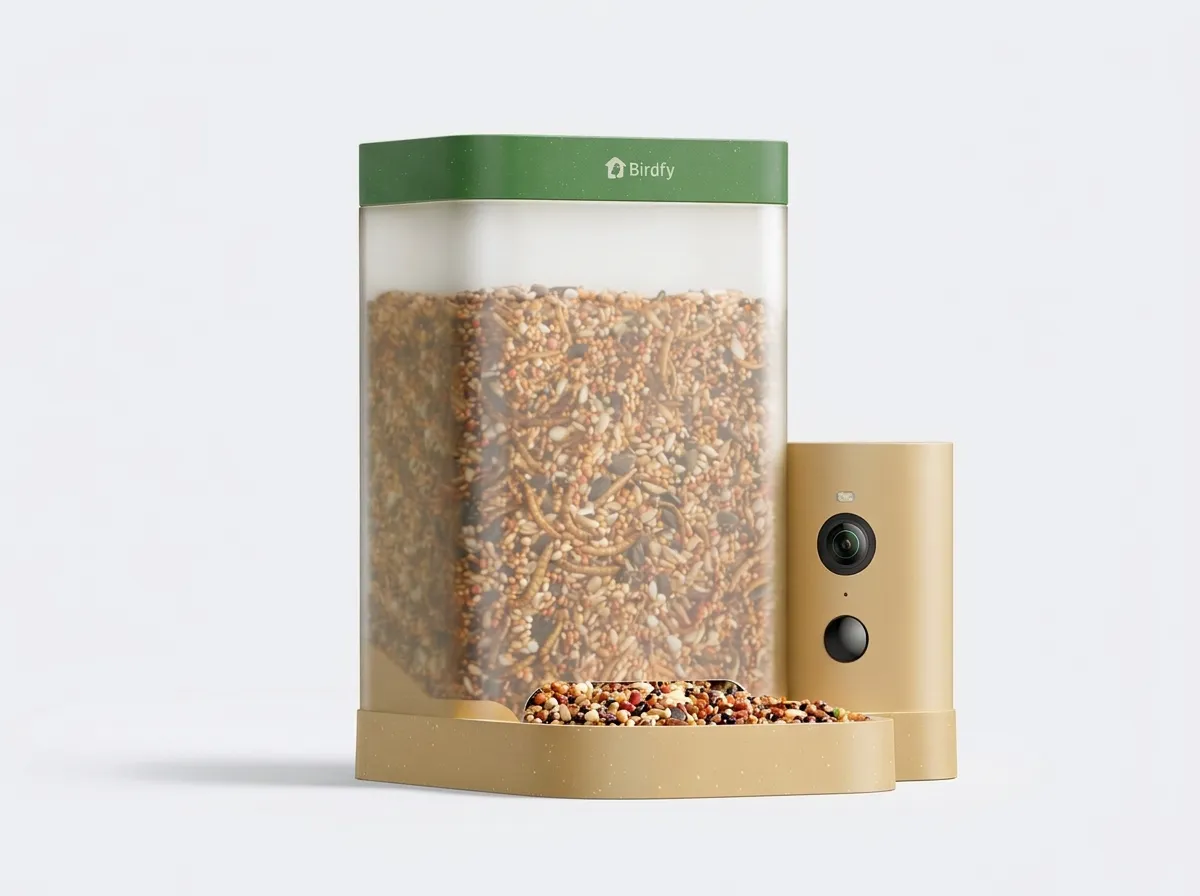
- You want automatic bird ID without a monthly fee. Birdfy is the simplest answer, since recognition is free and unlimited. Our Birdfy Feeder Rookie review covers the entry-level option, and the Birdfy brand page compares the rest of the range.
- You care about image detail first. Kiwibit's free plan keeps 4K. Pair it with Merlin for occasional IDs, or budget for Premium if you want every visit labeled.
- The whole family wants to watch live. On Bird Buddy, that means Family Premium. Kiwibit and Birdfy both allow sharing on their free plans.
- You are still comparing feeders. Our best bird feeder camera page lists which models include free ID and which require a plan.
Birdfy Feeder Rookie
Availability checked on November 11, 2026. Prices change often: the button below shows today’s price and seller offers.
Frequently asked questions
No, not to work. Birdfy, Kiwibit and Bird Buddy all provide live view, alerts and automatic clips or photos on a free plan. Subscriptions add features such as automatic bird ID (Kiwibit, Bird Buddy), longer cloud history, more storage or extra sharing.

Our guides rely on published sources: studies, official bodies, hobby clubs and manufacturer documentation.
- Birdfy Help Center, Birdfy Membership page (support.birdfy.com)
- Birdfy Membership Plus page on birdfy.com (plan comparison and published price)
- Kiwibit FeatherPal page and Kiwibit blog post on the free plan (kiwibit.com)
- Birdbuddy Premium memberships page (mybirdbuddy.com)
- Birdbuddy Help Center, The Birdbuddy Membership
- Merlin Bird ID, Cornell Lab of Ornithology (merlinbirds.org)