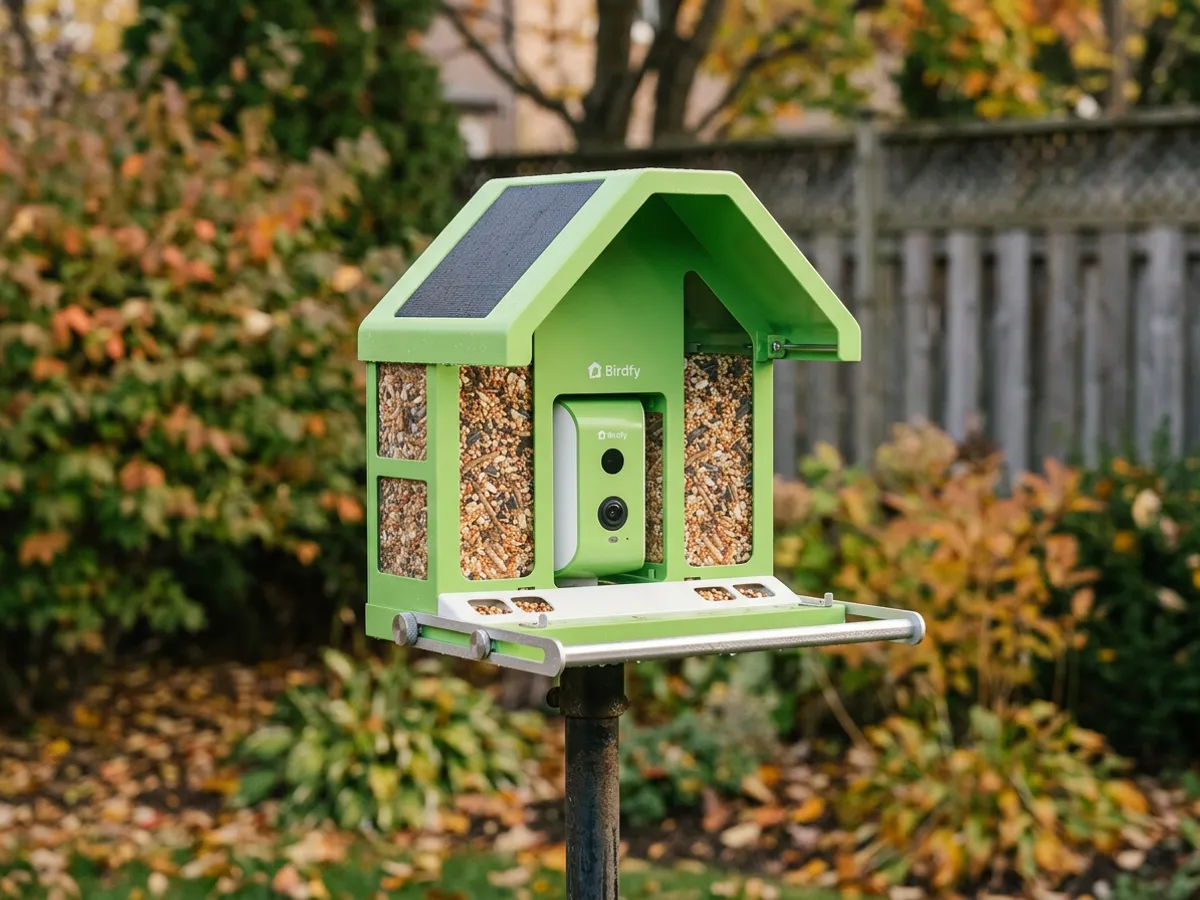
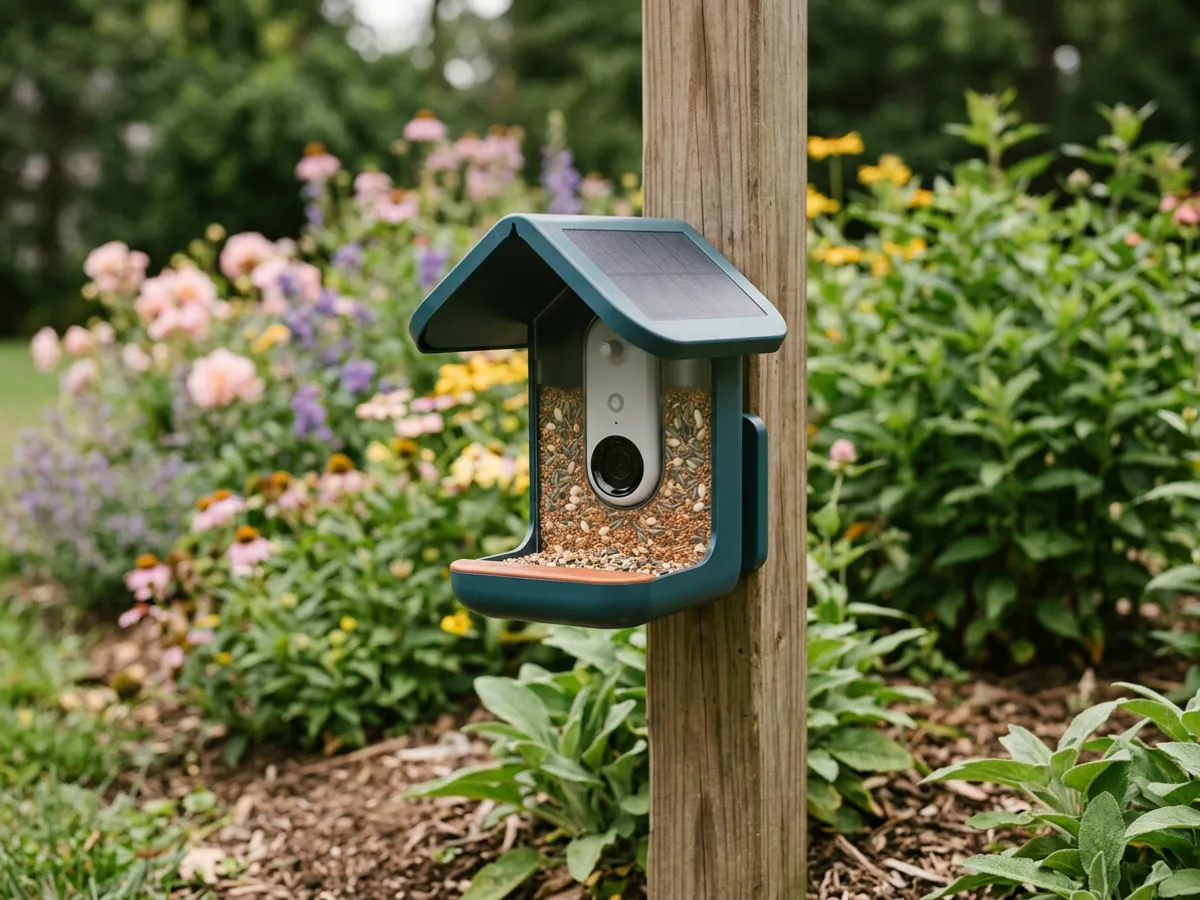
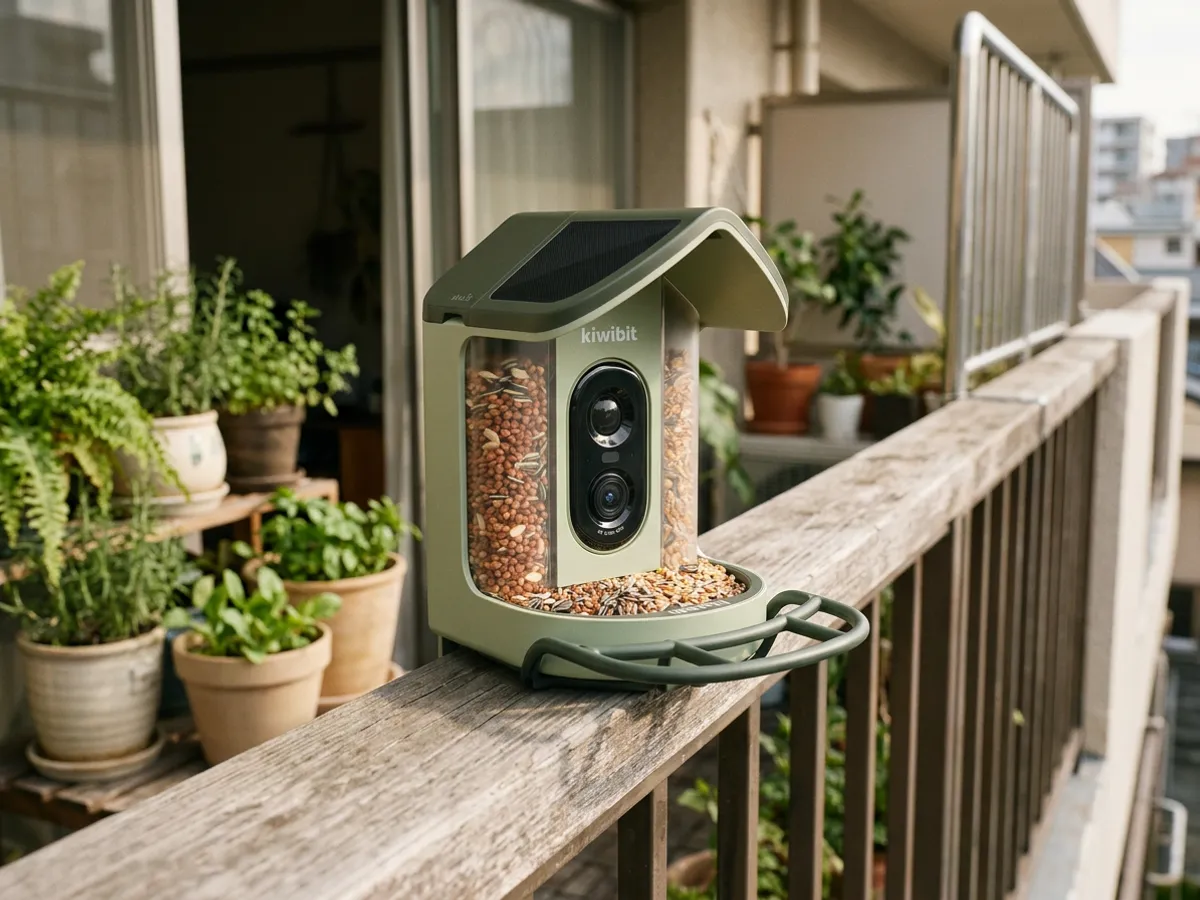
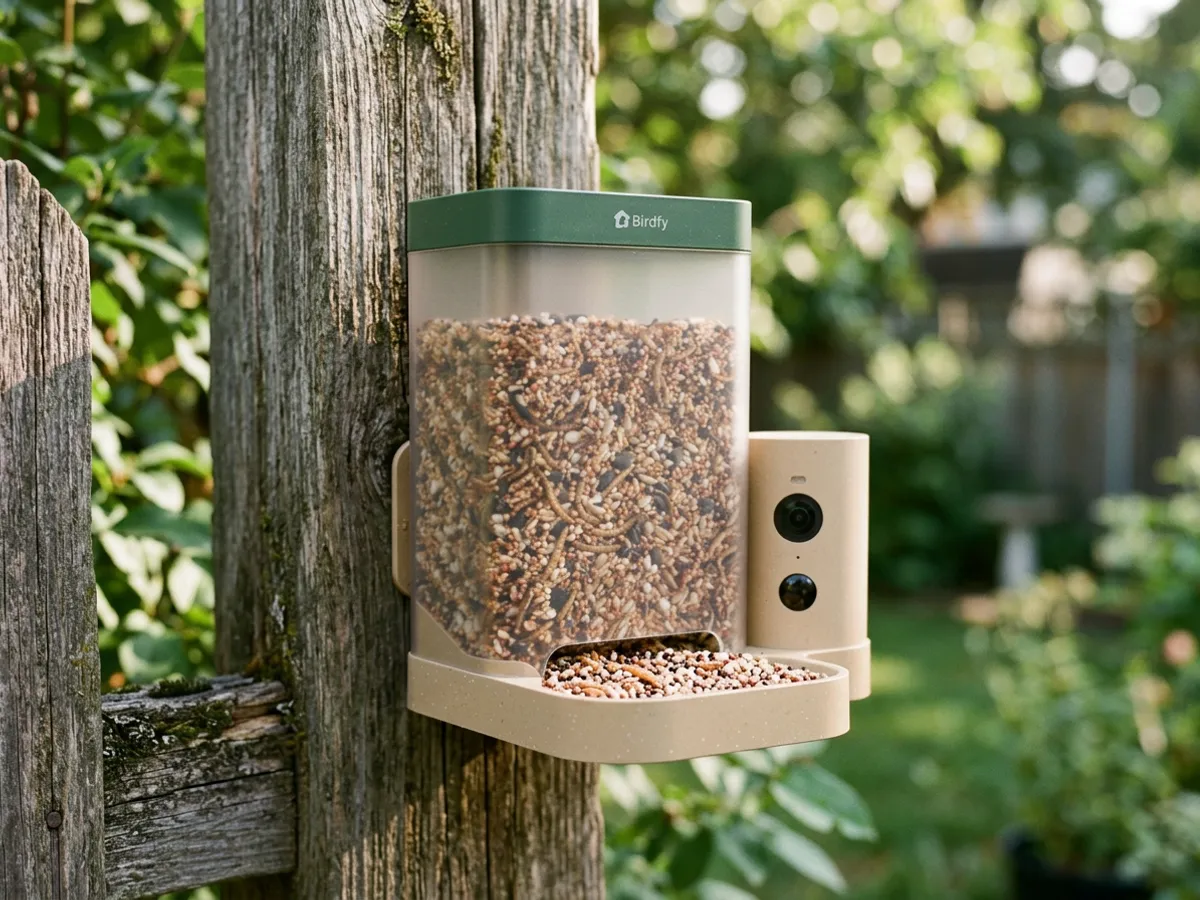
This Birdfy Feeder Rookie review looks at Birdfy's entry-level smart feeder, built for people buying their first bird camera or a gift. It is light, quick to set up and keeps unlimited AI bird ID free, which is rare at this tier. The main limit is Wi-Fi: it only joins 2.4 GHz networks, so the feeder needs to hang where that signal is strong.
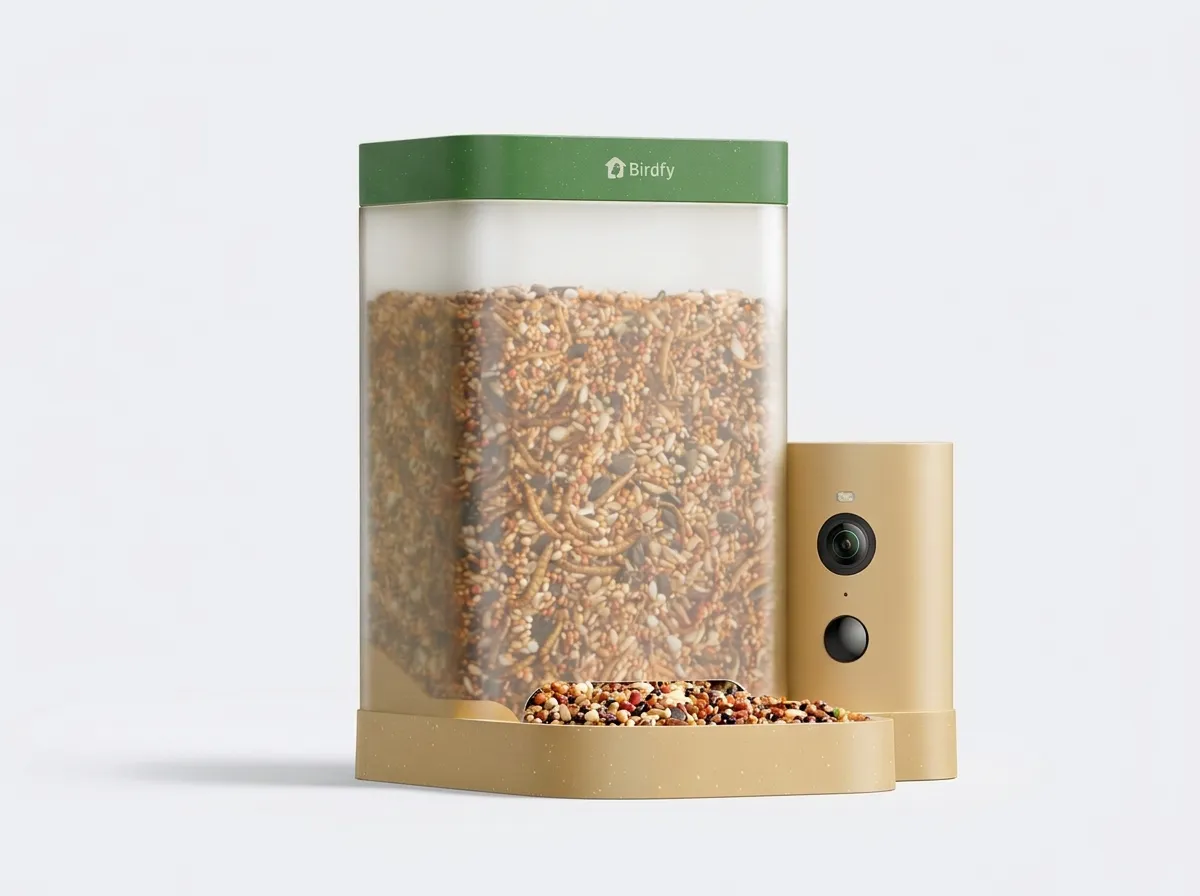
Birdfy Feeder Rookie
Availability checked on November 11, 2026. Prices change often: the button below shows today’s price and seller offers.
The short version
The Rookie strips a smart feeder down to what beginners use most: a clear camera, motion alerts, bird ID and a simple app. Owners mostly praise the easy setup and crisp video. It gives up the extras of pricier models: there is no built-in solar panel, the video is 1080p and the hopper is modest. For a first feeder near the house, those trade-offs are reasonable.
Best for: first-time buyers, gift-givers, and small yards where the feeder hangs close to the house.
Not for: spots far from the router, or buyers who want solar charging out of the box.
Specifications
| Feature | Birdfy Feeder Rookie |
|---|---|
| Video | 1080p at 30 fps; 60 fps slow-motion mode (1280 x 960) |
| Power | 5,200 mAh battery; solar panel optional (sold separately) |
| AI bird ID | Free, unlimited |
| Wi-Fi | 2.4 GHz only |
| Seed capacity | 1.3 L |
| Weather rating | IP66 |
| Camera position | Side-mounted |
| Warranty | 2 years |
The resolution, battery, Wi-Fi band, hopper size and warranty come from Birdfy's own specification page. The listing also claims up to four months per charge, based on ten 20-second clips a day. A busy feeder will record more than that, so treat the figure as a best case.
What its strengths are worth
Free bird ID with no time limit. Birdfy's membership page lists unlimited bird species recognition on feeder videos for free accounts, and the Rookie listing repeats it. Free accounts also get 30 days of cloud clips (up to 20 seconds each) and a set number of photo IDs per day. The paid Plus and Pro plans add longer history and extra insights, but the core feature stays free. That makes the Rookie cheaper to own over time than some rivals that charge for ID after a trial.
Simple setup. Mounting is tool-free and the app pairing is short, according to the listing. It is also the most consistent praise in owner feedback. For a gift, this matters as much as image quality.
Slow motion at 60 fps. At 1280 x 960, the 60 fps mode trades some resolution for smoother motion. It suits wing beats and landings, which are hard to catch at 30 fps.
A side-mounted camera. The camera looks across the perch rather than down at it, which tends to give profile shots of birds. Profile views help both people and the AI tell similar species apart.
IP66 and a light body. The IP66 rating covers heavy rain and dust. The light plastic build is easy to hang on a hook or small bracket, though it offers less resistance to chewing than Birdfy's metal model.
Where it falls short. 1080p is enough for ID and sharing, not for fine detail. Without a solar panel, the battery must come inside for charging; the optional panel fixes that. And the 2.4 GHz-only Wi-Fi is the most common snag owners mention.
What owners say
Amazon reviews could not be read in full, so this section relies on the "Customers say" summary and the excerpts visible on the listing.
- Many owners say it is very easy to assemble, mount and run.
- Several mention clear, crisp video and photos.
- Several call it a good introduction for new birdwatchers.
- A few report that the battery holds a charge for long stretches, even in cold weather.
- A few found tech support helpful.
On the negative side:
- Several owners could not connect it to a 5 GHz network and had to set up a 2.4 GHz band on their router.
- An isolated report describes a camera that would not charge.
Where it works best: power, Wi-Fi and placement
The Rookie is a near-the-house feeder. Three points decide whether it runs smoothly.
- Wi-Fi band. Many recent routers combine 2.4 GHz and 5 GHz under one network name. If pairing fails, check your router app for a way to split the bands or enable a 2.4 GHz-only network for setup.
- Signal at the feeder. Before mounting, check the signal on your phone at the exact spot. A window-side mesh node helps if the yard is far from the router.
- Charging plan. Without the optional solar panel, plan to bring the camera in for charging. With the panel, give it direct sun for most of the day; shade and short winter days slow it down.
For distances, sun exposure and squirrel baffles, see our guide on where to hang a bird feeder camera.
Alternatives
- Birdfy Metal 2K: the same free bird ID, plus 2K video, a built-in solar panel, a larger battery, 5 GHz Wi-Fi and a chew-resistant metal body.
- Kiwibit Feeder 2 Mini: 4K video and built-in solar in a compact body, but automatic bird ID needs Kiwibit Premium after a 30-day trial.
- Kiwibit Feeder 2: 4K, a larger solar roof and a two-seed hopper, with the same subscription caveat.
Compare every model in our best bird feeder camera guide, or see all Birdfy bird feeder cameras.
Frequently asked questions
No. Live view, alerts, unlimited bird ID on feeder videos and 30 days of cloud clips are part of Birdfy's free plan. Paid plans add longer storage and extra insights. Our guide to bird feeder camera subscriptions explains the differences between brands.
Birdfy Feeder Rookie
Availability checked on November 11, 2026. Prices change often: the button below shows today’s price and seller offers.

Our reviews are research summaries built from manufacturer documentation, published specs and owner feedback. We have not tested this product ourselves.
- Birdfy Help Center: Feeder Rookie specifications
- Birdfy Help Center: membership and cloud service
- Birdfy warranty policy
- Amazon.com product listing
- Summary of owner feedback on Amazon.com